

Warm Pools
Warm pools let you pre-start a fixed number of containers for a specific application + region combination, so they are immediately available when a player requests one.
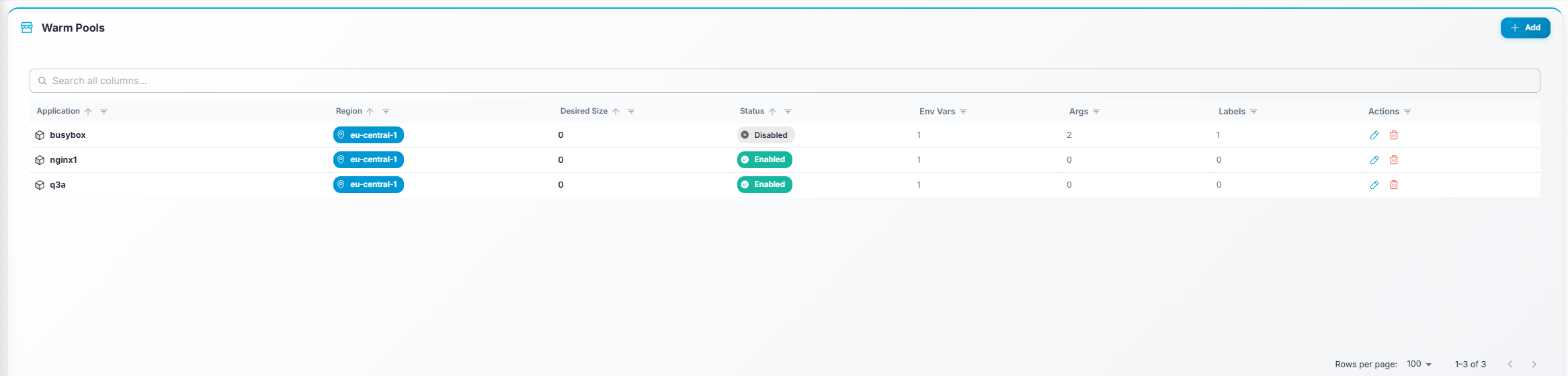
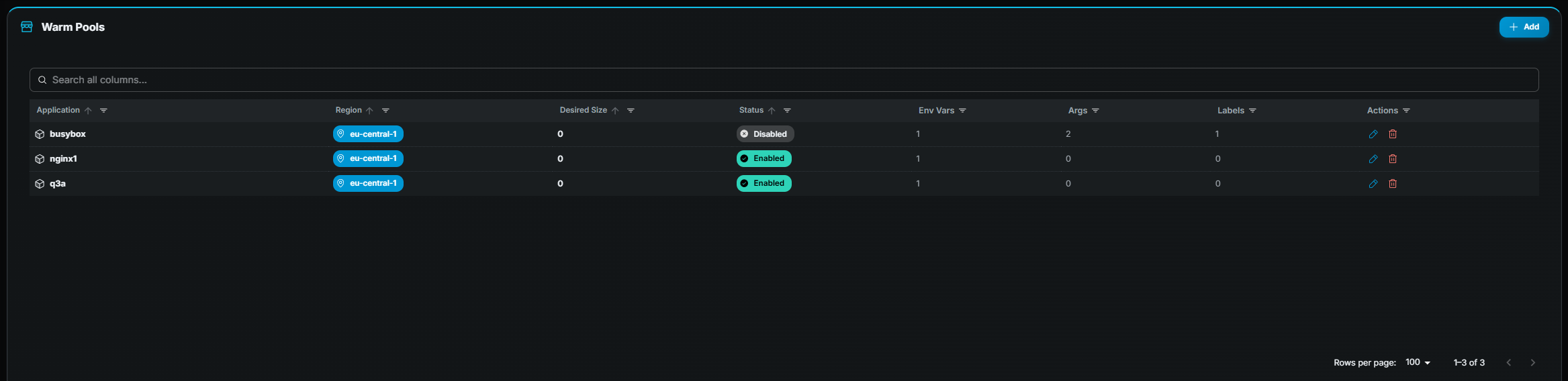
Table columns
Section titled “Table columns”| Column | Description |
|---|---|
| Application | Name of the application. |
| Region | Target region. |
| Desired Size | How many warm containers to keep running. |
| Enabled | Whether the warm pool is active. |
Creating a warm pool
Section titled “Creating a warm pool”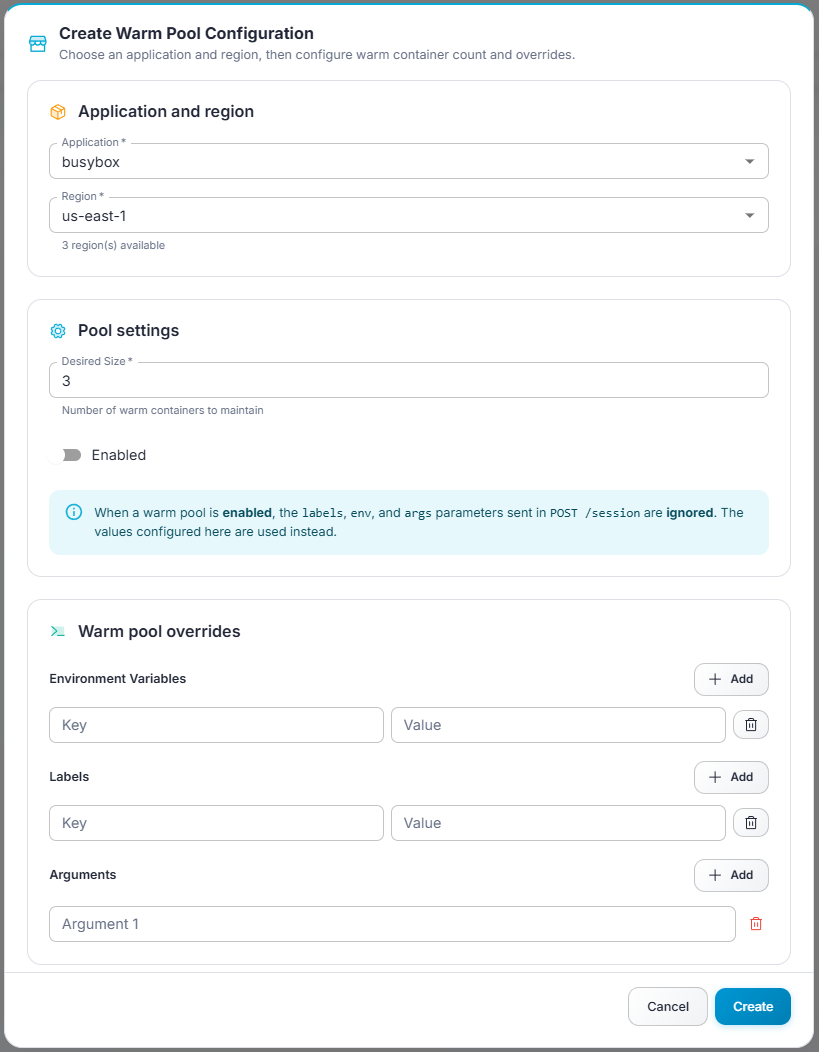
- Click Add (top-right).
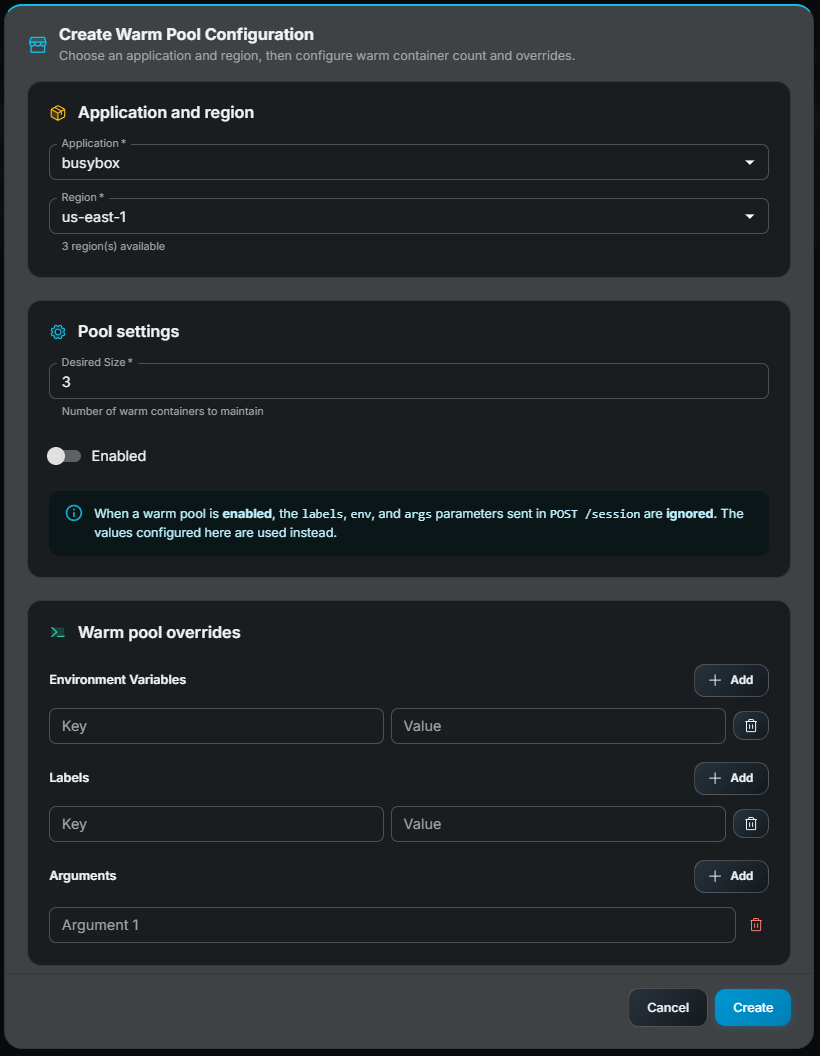
- In the modal form:
- Application — Select an application. The region dropdown is then filtered to regions assigned to that application.
- Region — Pick a region.
- Desired Size — Number of pre-started containers.
- Enabled — Toggle on/off.
- Environment Variables (optional) — Key-value pairs injected into warm containers.
- Arguments (optional) — Command-line arguments passed to the container entry point.
- Labels (optional) — Key-value metadata labels.
- Click Save.
Editing a warm pool
Section titled “Editing a warm pool”Click Edit (pencil icon) on the row. The same modal opens pre-filled with current values. Requires edit permission.
Deleting a warm pool
Section titled “Deleting a warm pool”Click Delete (trash icon) on the row and confirm. Requires delete permission. Once a warm pool is removed, the orchestrator will no longer maintain pre-started containers for that application + region combination.