Containers History lets you review containers that have already finished.
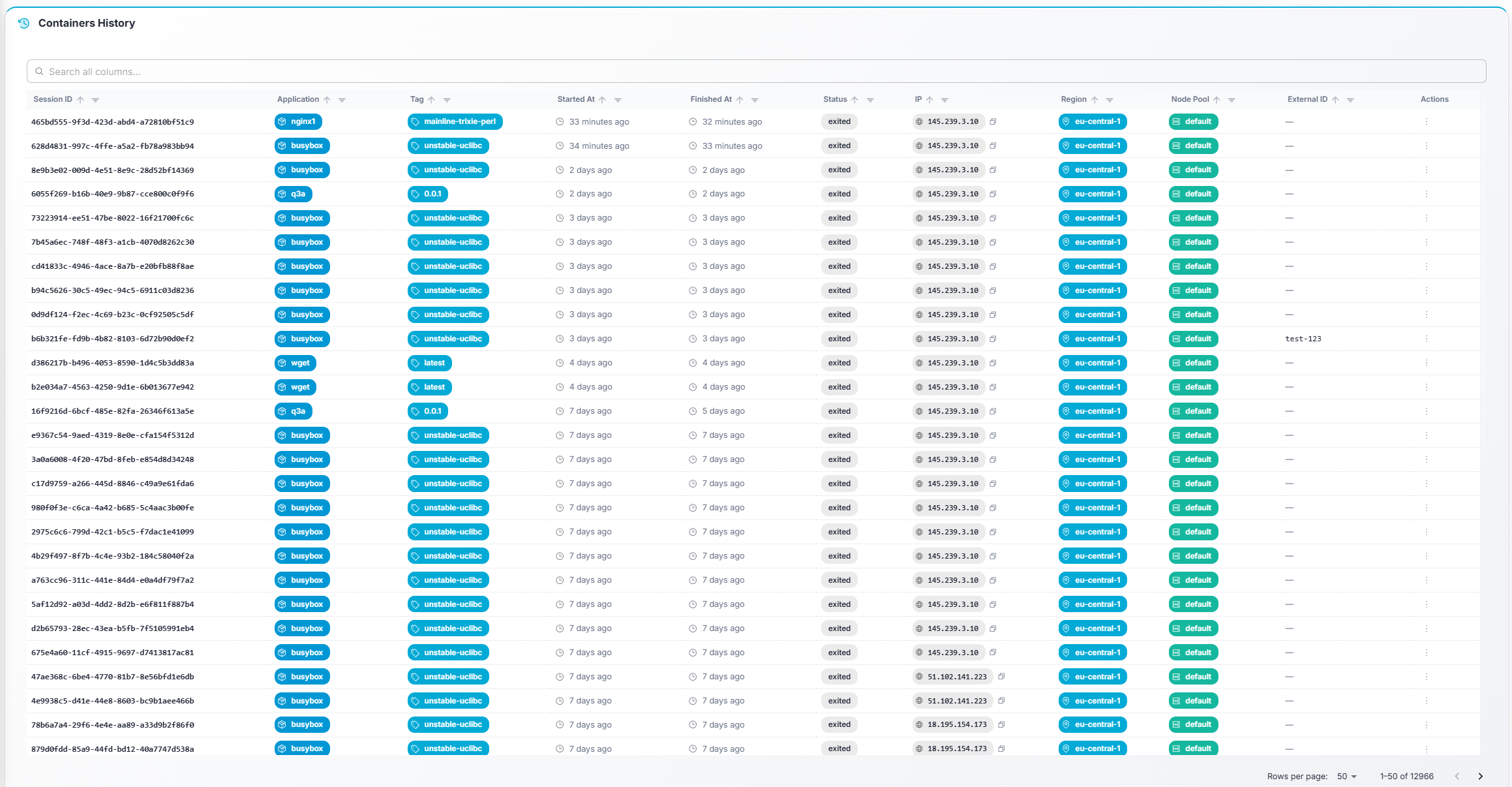
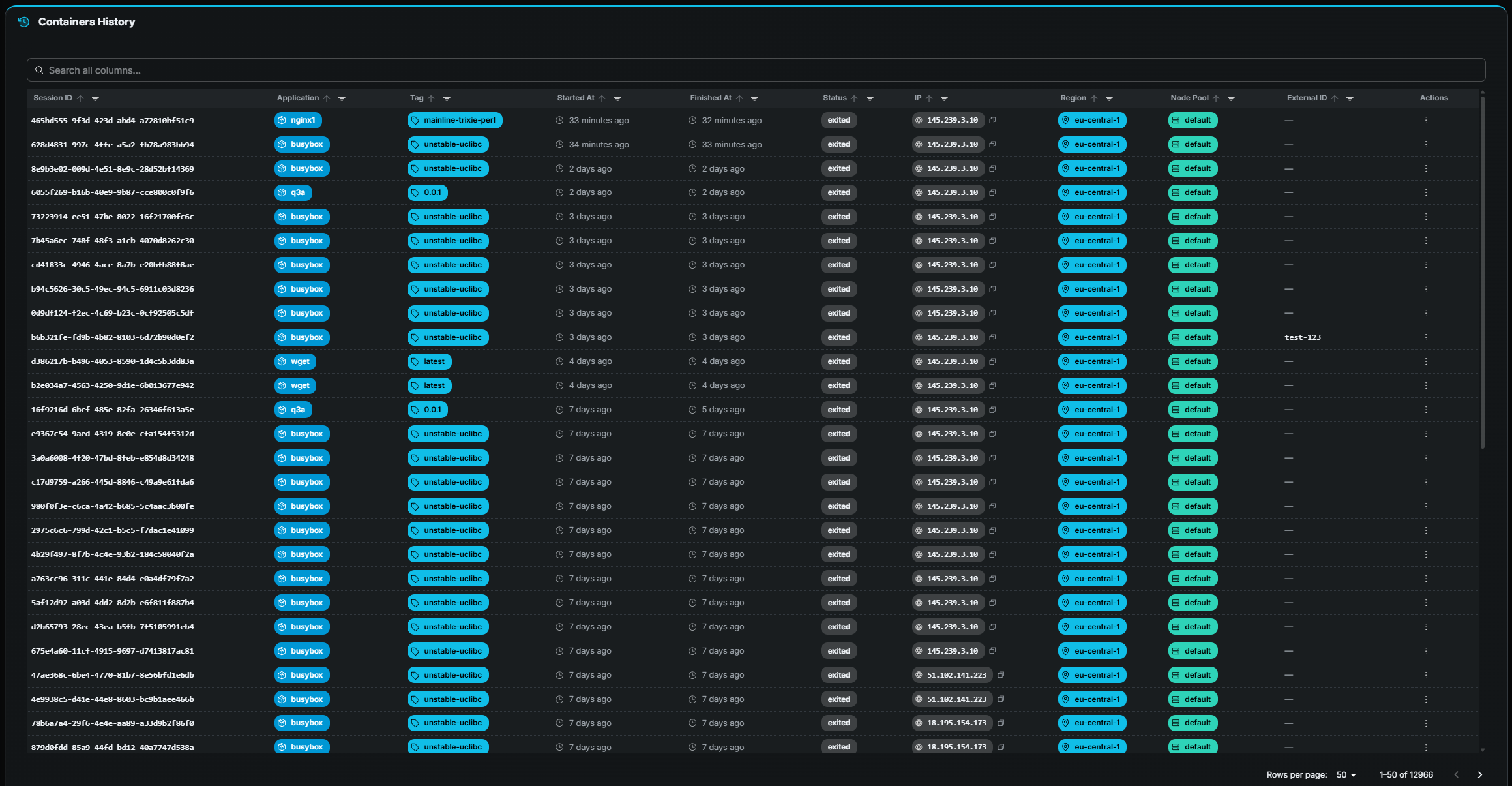
| Column | Description |
|---|
| Session ID | Container name / identifier (monospace). |
| Application | Application the container belonged to. |
| Tag | Docker image tag that was used. |
| Started At | Start timestamp (relative time, hover for exact). |
| Finished At | End timestamp (relative time, hover for exact). |
| Status | Final state — typically Finished. May also show Error or Crashed if the container exited abnormally. Color-coded chips. |
| IP | Node IP address (copyable). |
| Region | Region where the container ran. |
| Node Pool | Node pool the container was assigned to. |
| External ID | External reference (if applicable). |
| Action | Description |
|---|
| View Details | Navigate to the Container Details page for this container, with full metrics and logs. |
| Raw Data | Open a modal showing the raw container data (useful for debugging). |
- Search, sort, and paginate — Standard table interactions.
- Click a row — Same as View Details: opens the Container Details page.