

Active Containers
Active Containers shows containers that are currently running (or starting).
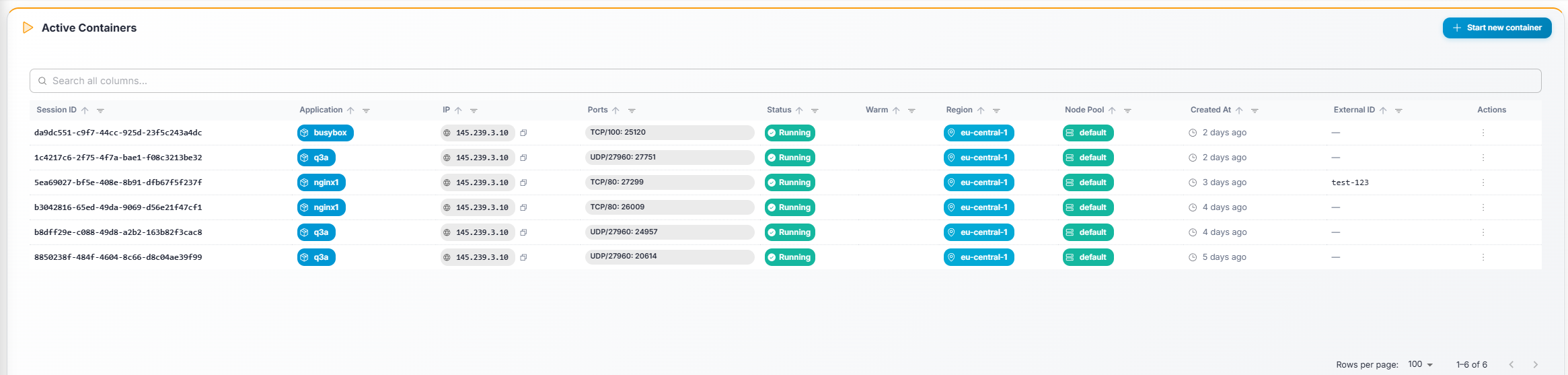
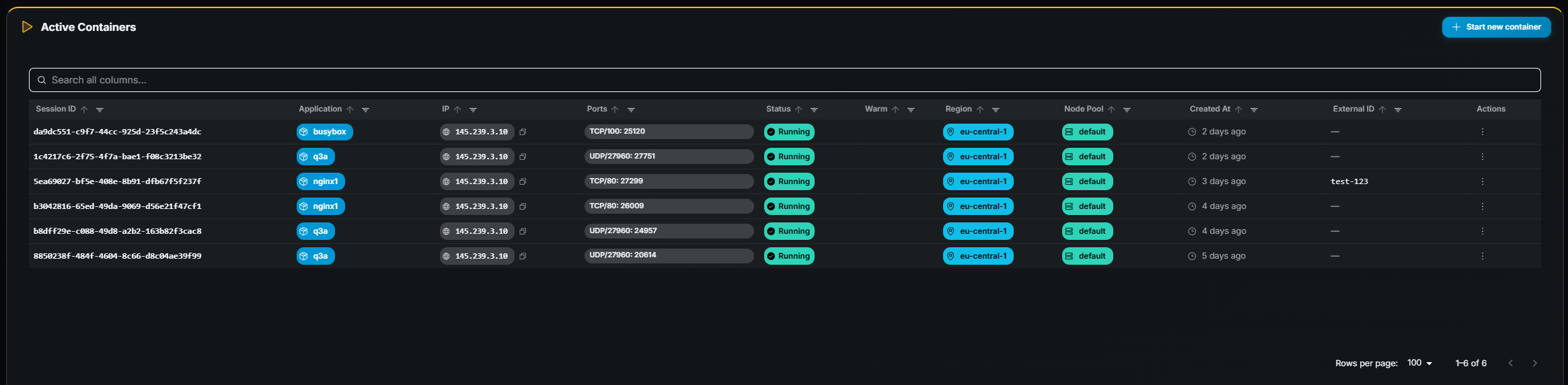
Table columns
Section titled “Table columns”| Column | Description |
|---|---|
| Session ID | Container name / identifier. |
| Application | Application the container belongs to. |
| Hostname | Node hostname where the container runs. |
| IP | Node IP address. |
| Ports | Mapped ports for this container. |
| Status | Current state — Running or Starting. |
| Region | Region where the container is deployed. |
| Node Pool | Node pool assignment. |
| Created At | When the container was started (relative time). |
Starting a container
Section titled “Starting a container”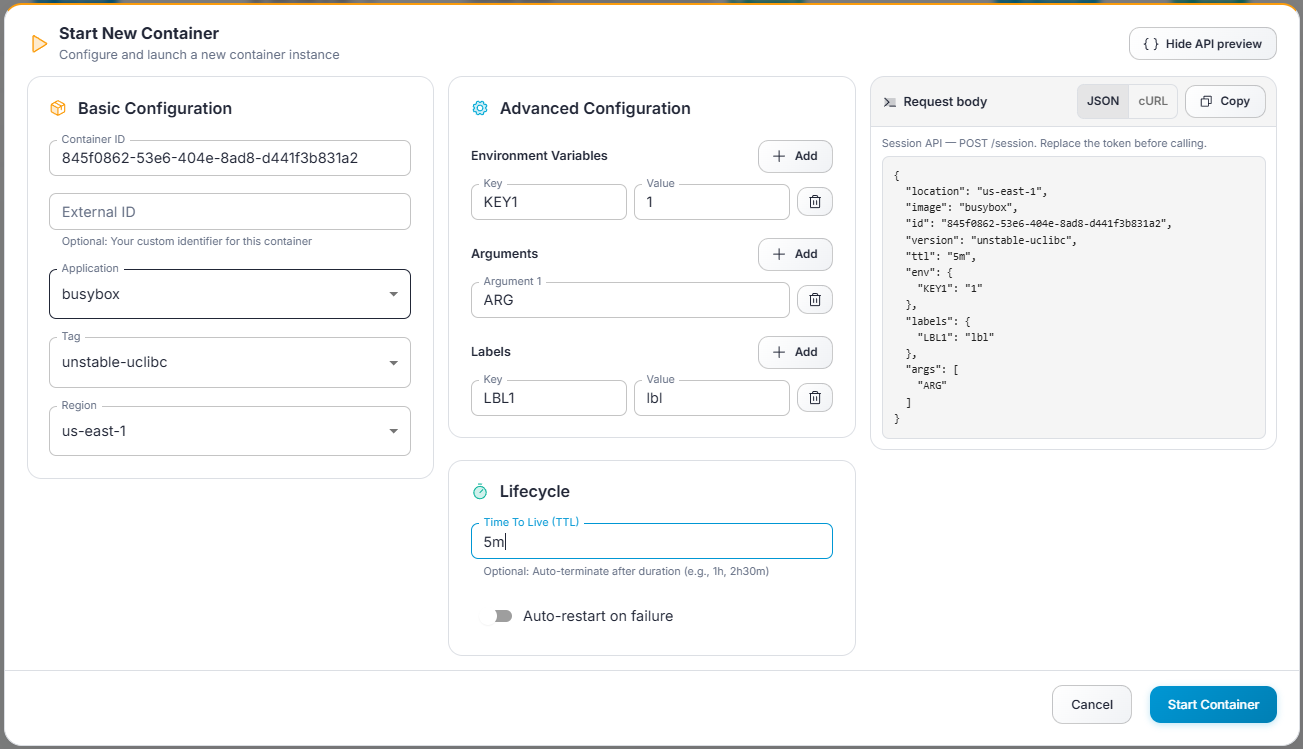
- Click Start (top-right).
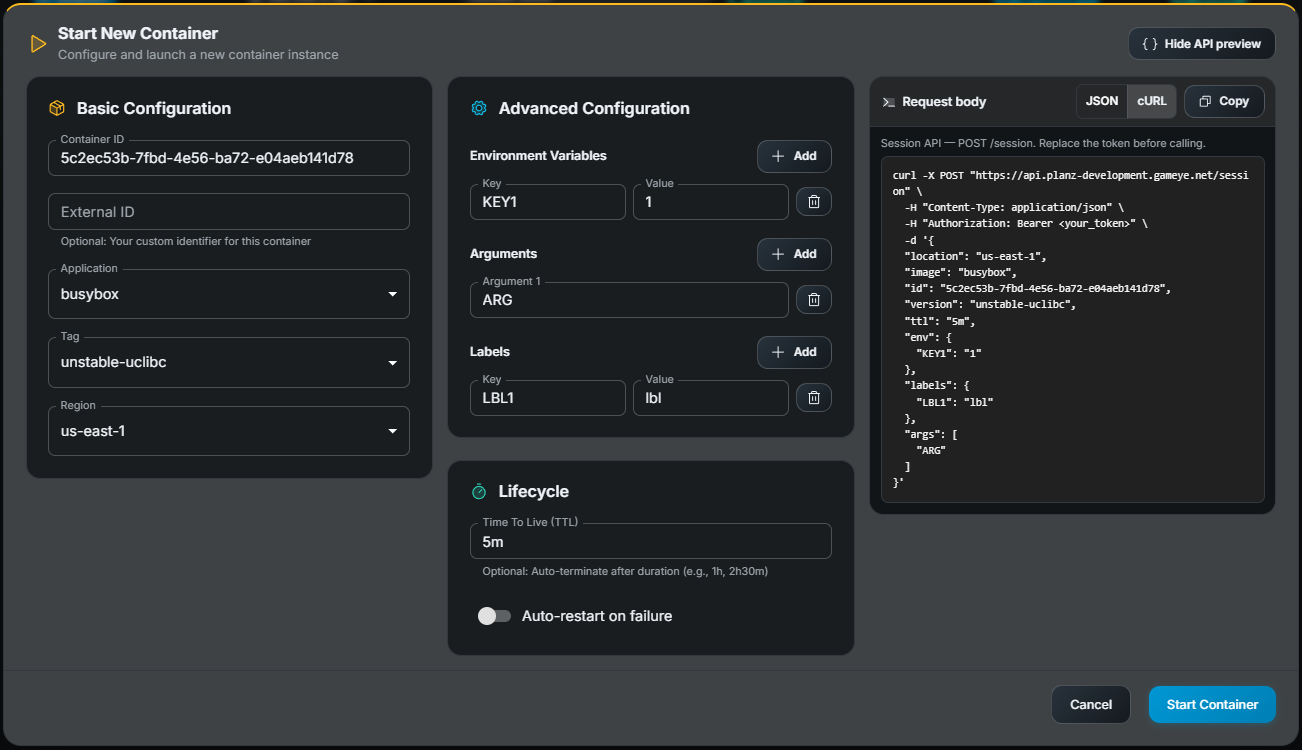
- In the dialog, fill in the required fields:
- Application — Select the application to run.
- Region — Where to start the container.
- Environment variables (optional) — Key-value pairs to inject.
- Arguments (optional) — Command-line arguments.
- Labels (optional) — Key-value metadata.
- Click Submit.
- The new container appears in the table; it may show Starting briefly before transitioning to Running.
Stopping a container
Section titled “Stopping a container”- Find the container row.
- Click Stop (requires stop/delete permission).
- Confirm in the dialog.
Opening container details
Section titled “Opening container details”Click a row to navigate to the Container Details page.